Switch your camera to full-screen mid-recording
Alan Mathews
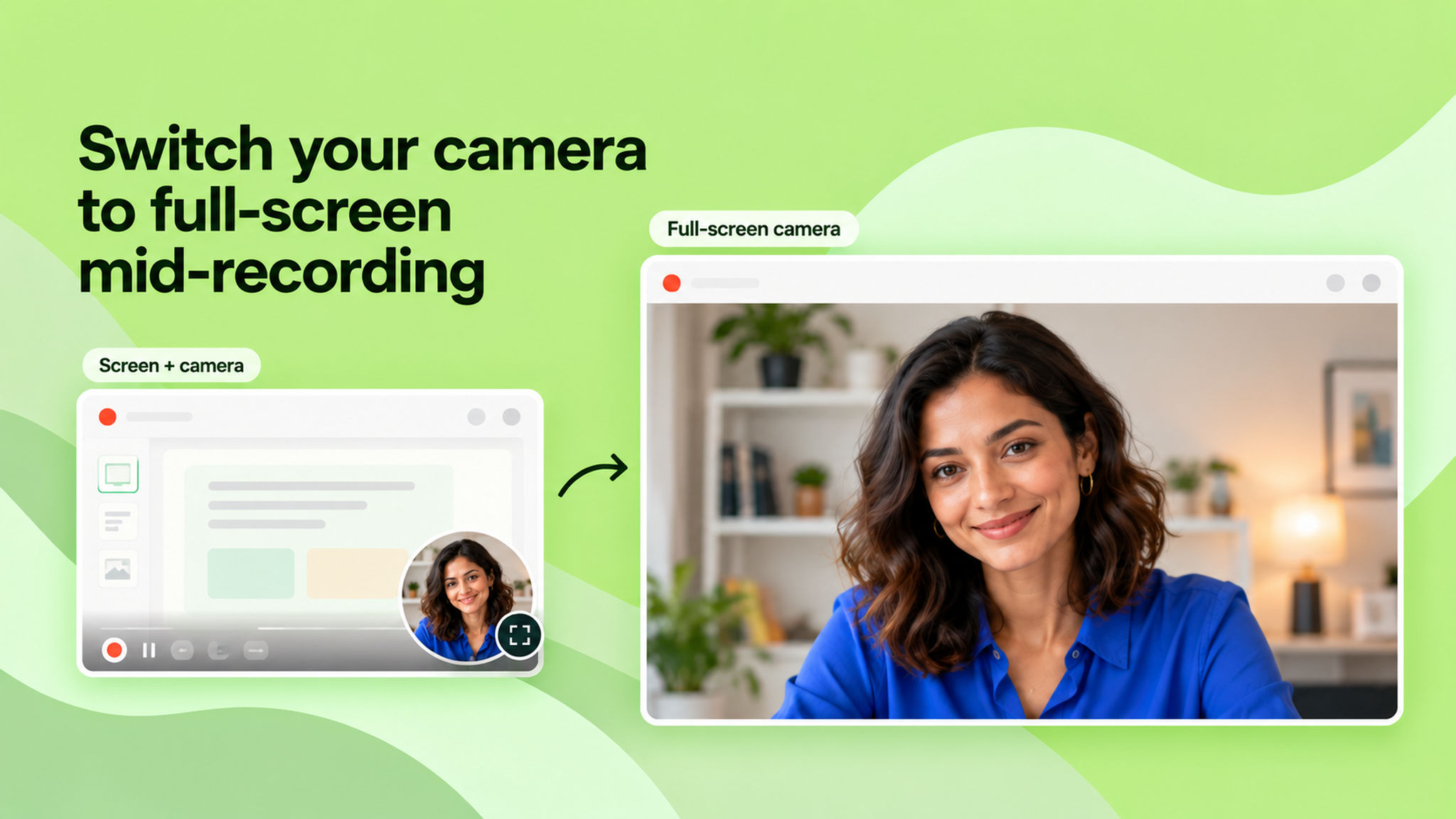
You can now expand your camera to full-screen while recording in screen + camera mode and switch back anytime. Earlier, the camera stayed locked inside the floating bubble for the entire recording.
This is handy when you want the focus on you instead of the screen, walking through an idea, reacting to something, or any moment where your face should be front and centre. When you're ready to show the screen again, one click takes you back.
Just hit the full-screen icon on the camera bubble to toggle between the two views. To learn more, read our help article.