Speaker notes
T Sudhish Nair
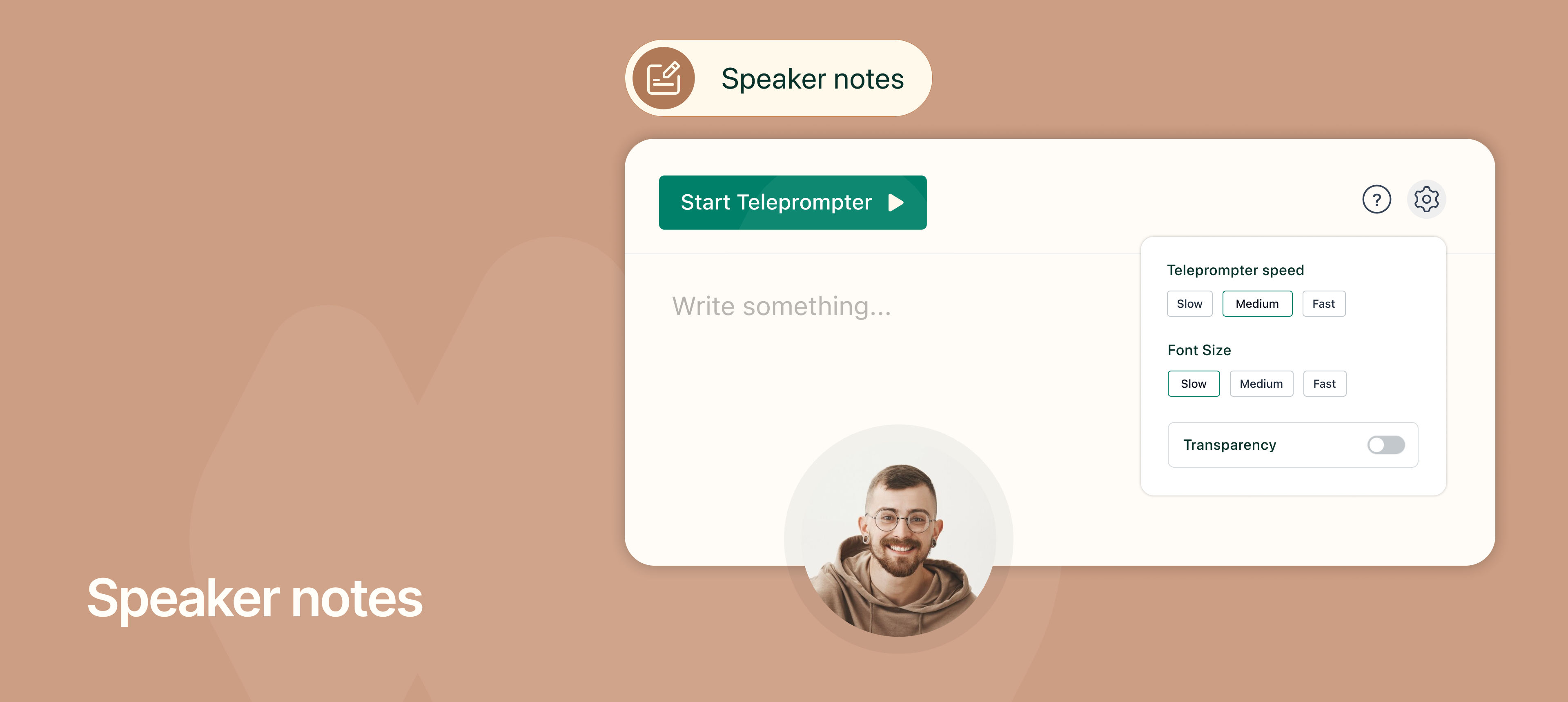
You can now use Speaker Notes in NeetoRecord to help you record videos confidently without worrying about forgetting your script.
You can type or paste your notes into the Speaker Notes window, and they will stay visible only to you while recording. The notes appear on top of any window you switch to, and they are saved automatically unless you choose to remove them.
The built-in teleprompter makes this even more powerful. It automatically scrolls through your notes while you record, allowing you to speak smoothly without stopping to memorize or manually scroll.
To learn how to use Speaker notes, read our help article.