Request a recording
Alan Mathews
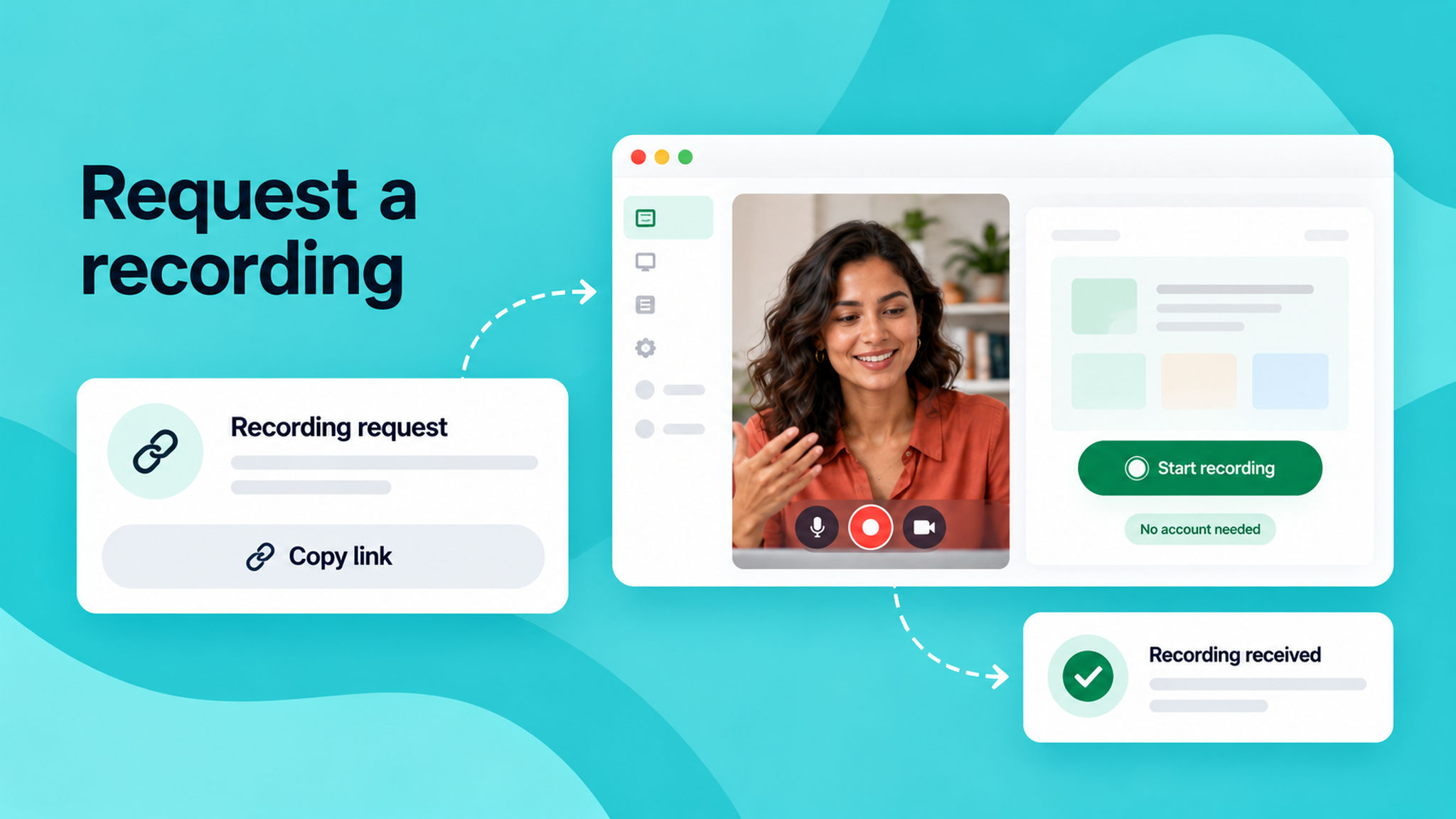
You can now request a screen recording from anyone — no account or installation required on their end. Share a link, and the recipient records their screen in their browser and sends it directly to you. Once submitted, you'll receive an email notification and the recording will appear in your Requested recordings section.
This is useful when a customer needs to show you a bug, a colleague needs to walk you through a workflow, or you want to see exactly what someone is experiencing without scheduling a live call.
To learn how to use this feature, read our help article.