Drag to trim your clips
Alan Mathews
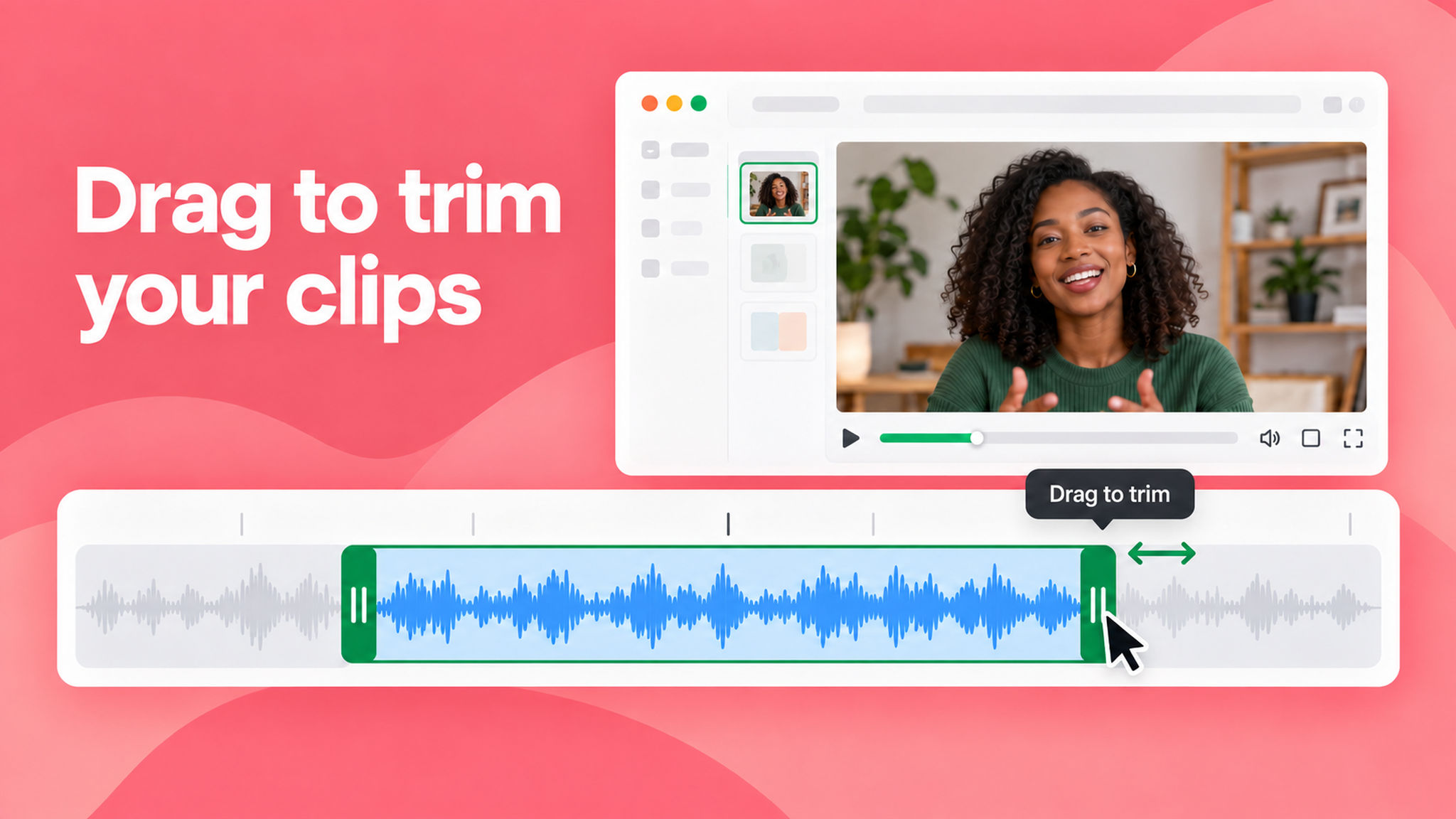
You can now drag the edges of a clip in the editor to fine-tune your trims, instead of relying on Split alone. Grab a handle on the clip you're working with and pull it in to cut more, or pull it out to bring trimmed content back.
This means you no longer have to start over when you cut a section too short, just pull the edge back out and the audio or video you trimmed returns, with the rest of your edits left untouched.
To learn how to use this feature, read our help article.