See comments right on the progress bar
Alan Mathews
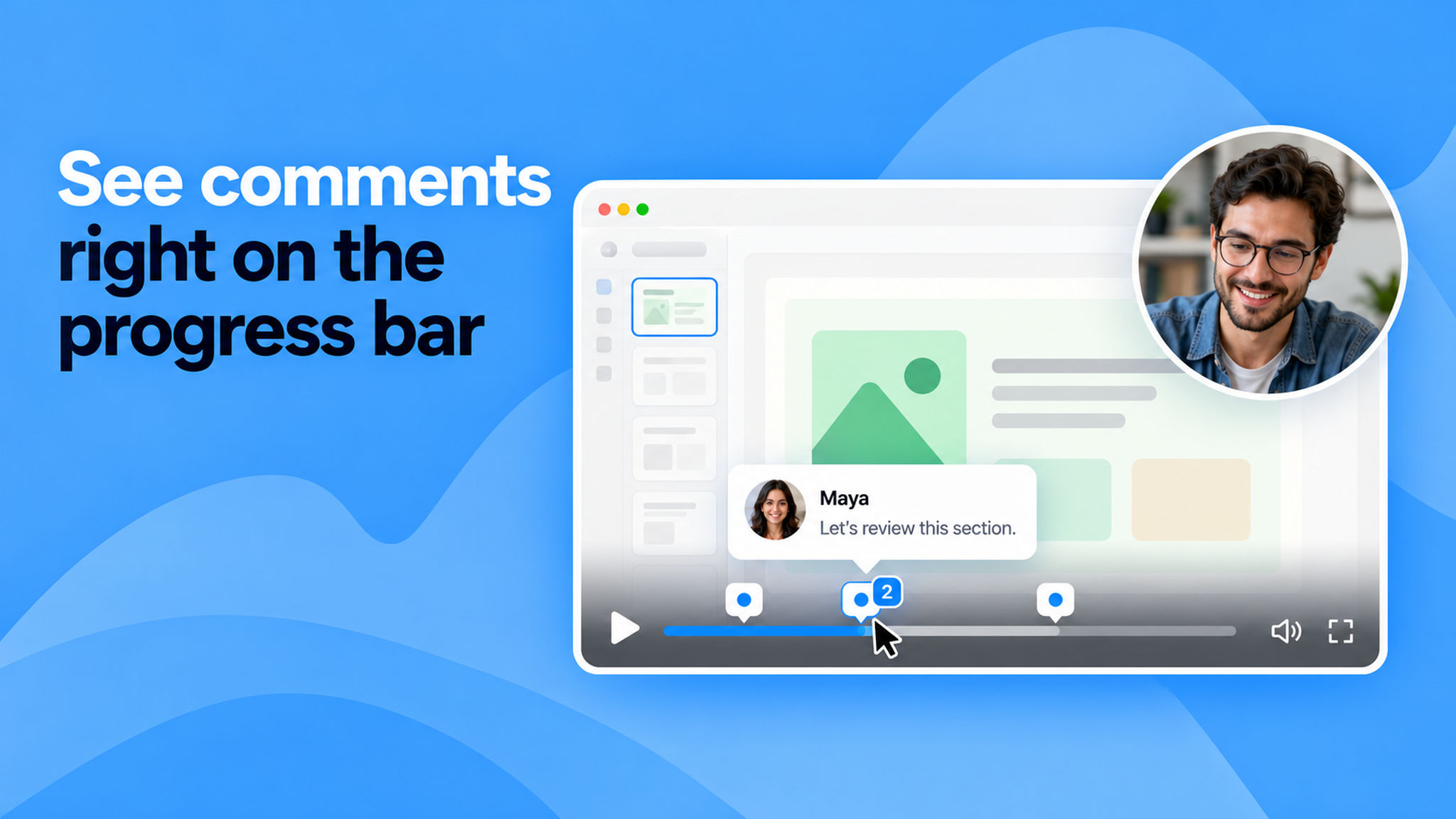
Comments now appear as comment bubbles on the video's progress bar, pinned to the exact moment each one was made. When several comments land close together, the bubble shows a count so you can tell how many are there at a glance.
Hover over a bubble to preview the comment without pausing, and click it to jump to that comment in the Comments tab. This makes it easy to spot where feedback lives on a recording and move straight to the part of the video it's about.
To learn more about the comments feature, refer this help article.