Auto Zoom
T Sudhish Nair
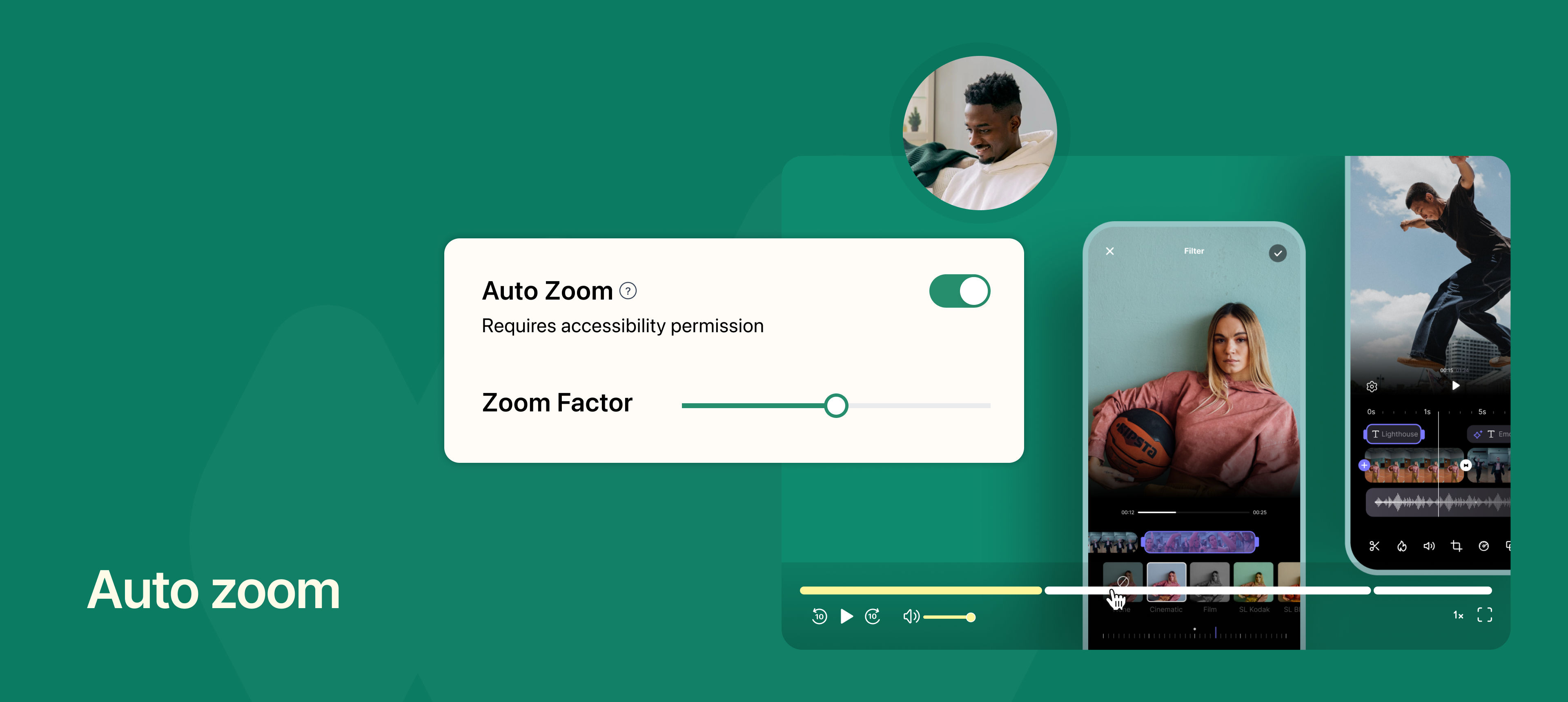
Auto Zoom automatically highlights mouse clicks by zooming into the clicked area during playback. When recording in Entire Screen mode, the clicked area is zoomed for 3 seconds, helping viewers focus on important actions.
You can enable Auto Zoom from Settings → Recording and customize the zoom level (up to 3×). Zoom effects can also be adjusted after the video is uploaded.
This feature improves clarity and viewer engagement by emphasizing key interactions in your recordings.
To learn more about how to use this feature, read our help article.