Call to Actions
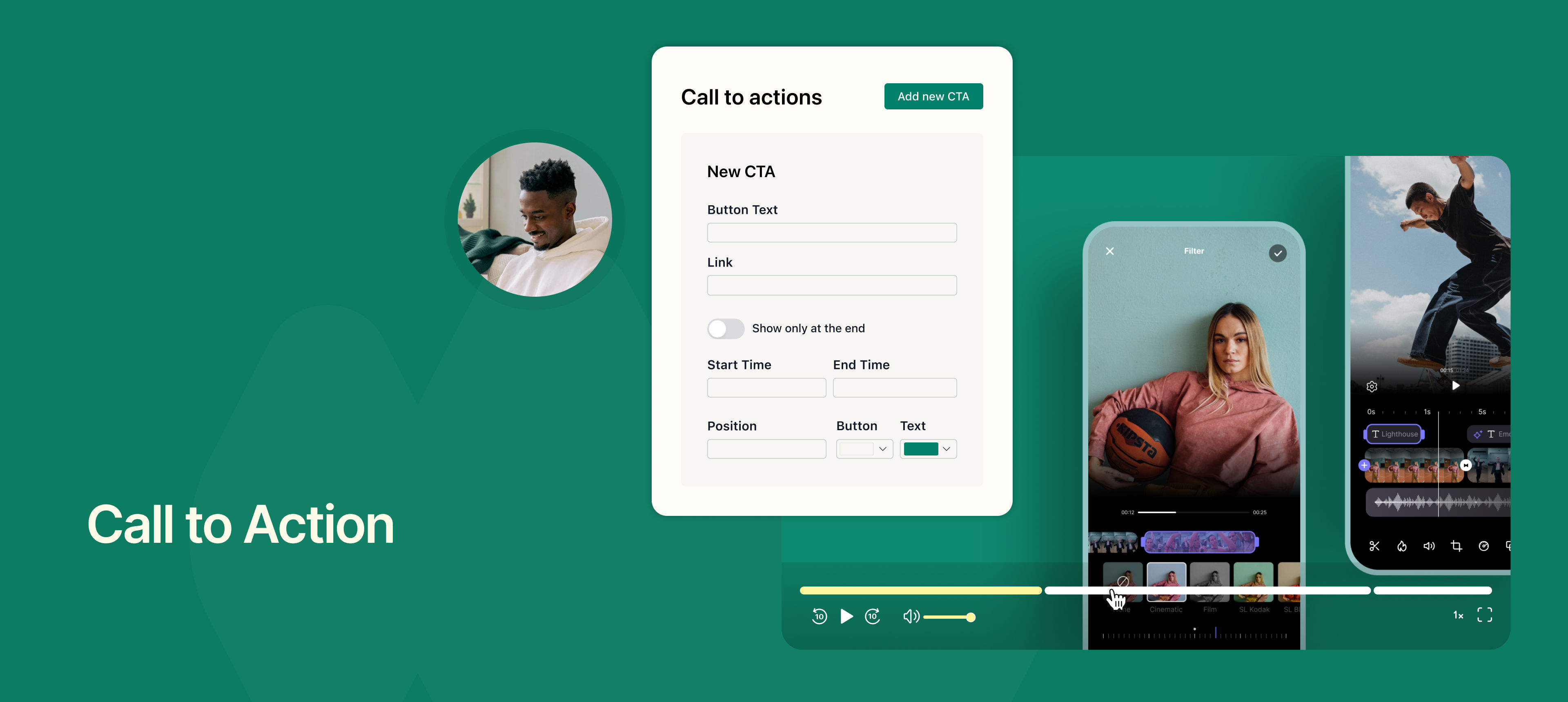
You can now add clickable Call to Action (CTA) buttons directly on your recordings.
This means you can guide viewers to take the next step—whether it’s visiting your website, booking a call via NeetoCal, following your social media, or opening any custom link, right from within the video.
For example:
Add a “Book a call” button that appears halfway through a sales demo.
Show a “Visit our website” link at the end of a product walkthrough.
Prompt viewers with “Follow us on LinkedIn” during an onboarding video.
You can customize each CTA with its own label, URL, position and theme. You can set the start and end time of CTA based on your preferences. Multiple CTAs can be added to a single recording and shown at different points during the video.
This helps drive engagement and conversions while reducing the need for manual follow-ups or extra messaging.
To learn how to use CTAs in your videos, read our help article.