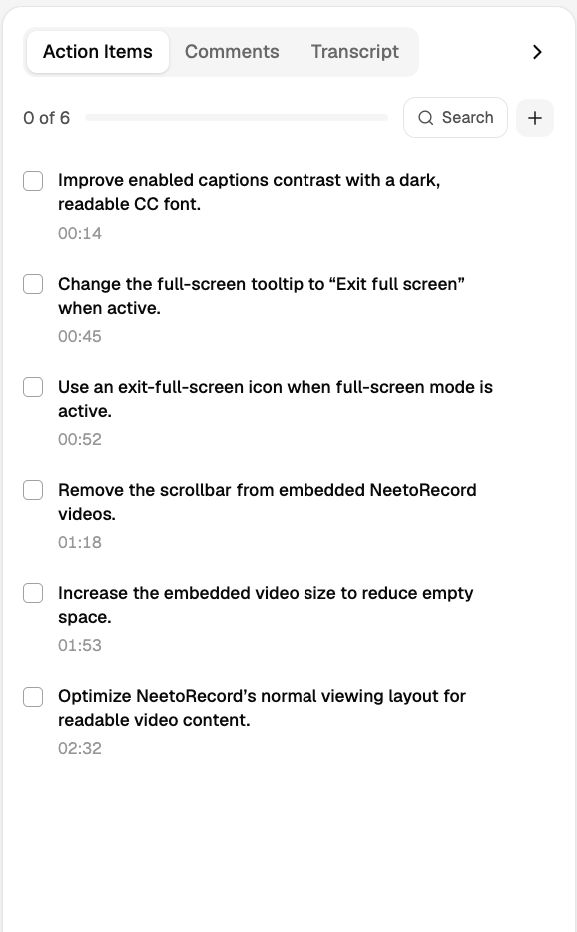
Action items from your recordings
Sagar Anadkat
You can now see what needs to be done after a recording without watching it again. Once a recording has a transcript, NeetoRecord automatically pulls out the action items and lists them in the Action Items tab.
Each action item has a timestamp, so you can jump straight to the moment it was mentioned. You can add, edit, or delete action items, while viewers can tick them off as they work through the list.
To learn more, read our help article.